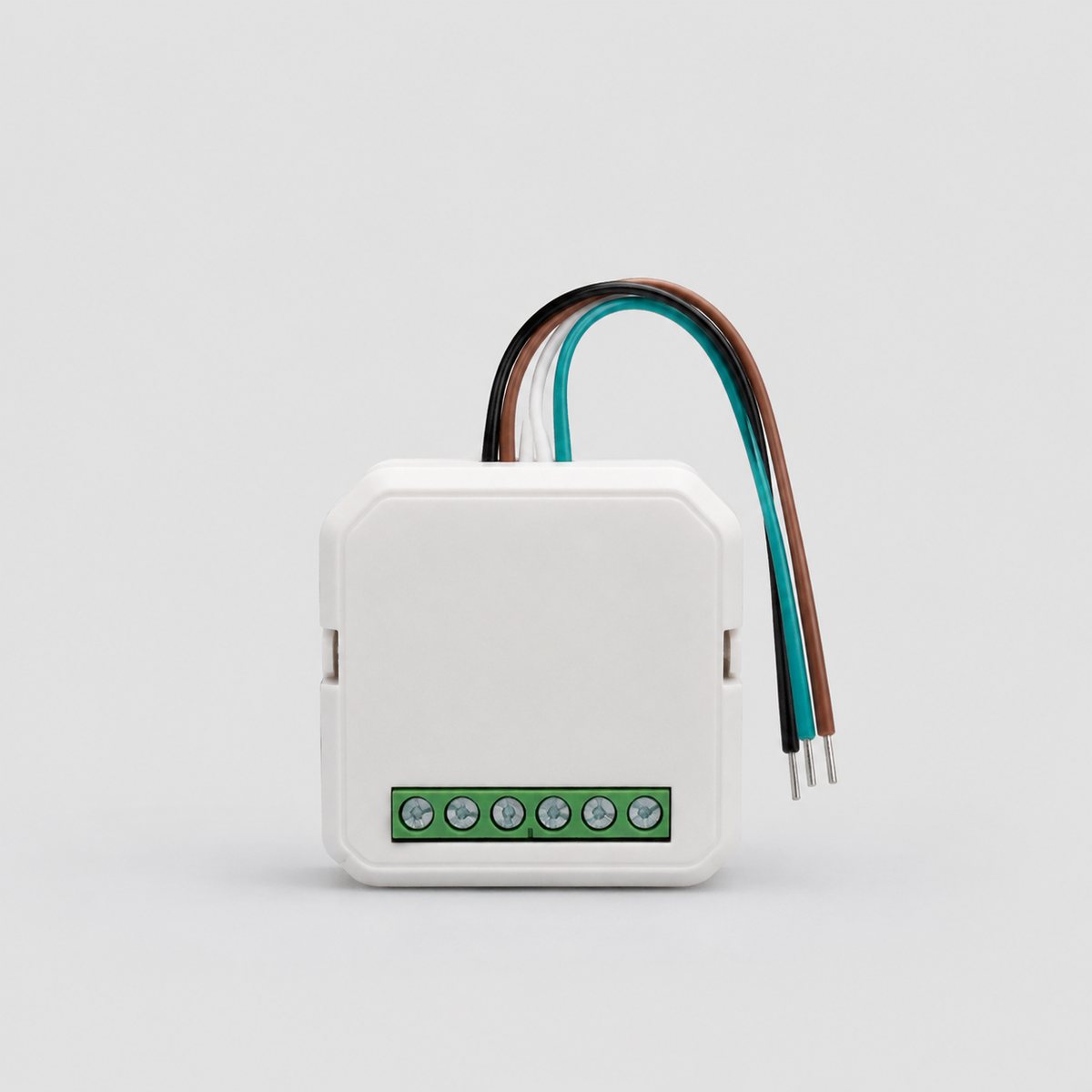
A curtain or roller-blind motor looks like just another load from a distance, but it behaves nothing like a light. It needs direction control (open vs close), some form of travel-limit awareness so it stops at the end of the track rather than stalling the motor, and — in most designs — two relay channels instead of one. Buyers who treat a curtain module as "a switch with a motor attached" usually end up with either a controller that cannot reverse direction properly or a motor that gets no protection against running past its end stop.
What the curtain module actually controls
- Dual-relay direction switching: One relay drives the motor forward (open), a second drives it in reverse (close) — never both energised at once, which is why curtain modules use interlocked relay logic rather than a single on/off relay.
- Travel time or limit-switch awareness: Simpler modules use a timed run (stop after N seconds); more capable ones read the motor's own limit switches or encoder feedback to stop precisely at fully-open or fully-closed.
- Stall/overcurrent protection: Detects when the motor is working against a jammed track or closed end-stop and cuts power rather than continuing to drive current into a stalled motor.
How this connects to the wall switch and app layer
On the control side, a curtain-capable wall switch or dedicated curtain module exposes an open/stop/close interface to the app rather than a simple toggle — this is one of the clearer cases where the wall-mounted control and the motor are separate products from potentially different factories that need to be matched deliberately. Sample SKU: PL-CT-MOD-WIFI (Wi‑Fi curtain module). Protocol choice matters here too — Zigbee mesh setups (see our Wi‑Fi vs Zigbee comparison) are common in projects that already run a gateway for sensors, since it keeps the curtain control on the same mesh rather than adding another Wi‑Fi device to the household network.
Motor compatibility checklist for the RFQ
| Question | Why it matters |
|---|---|
| Does the motor have built-in limit switches or does the wall controller need to time the run? | Determines whether the curtain module needs to support timed-run mode as a fallback |
| What is the motor's rated current and stall behaviour? | The curtain module's relay and overcurrent protection must match, not just "fit within a general rating" |
| Is the motor AC or DC, and what voltage? | Confirms whether the same wall module works across markets or needs a market-specific variant |
| Is a physical stop button required alongside app control? | Some markets and building codes expect a manual override even on motorised curtains |
Where curtain control fits into a room's overall control scheme
In hotel rooms and higher-end residential fit-outs, curtain control is often grouped with lighting scenes on the same scene panel — "goodnight" closing curtains and dimming lights in one press — which means the curtain module and the scene panel need to be on compatible protocols and, ideally, sourced together. See our single-gang vs multi-gang guide for how scene panels map buttons to actions, and our hotel scene panel article for how these pieces come together in a hospitality project.
Because motor specs vary far more than switch specs across brands, it is worth sending the motor's datasheet — or at minimum its rated current, voltage and limit-switch type — along with your RFQ rather than describing it generically as "a curtain motor."
Pairing a curtain motor with a wall controller?
Send the motor's rated current, voltage and limit-switch type in your RFQ and our trading desk will confirm compatible curtain module SKUs.
Start RFQPosition, Limits and Power: The Three Commissioning Items
Whatever the pairing method, curtain control succeeds or fails at commissioning. Three items dominate. Travel limits — where full-open and full-close actually stop — must be set on site and must survive a power cut; ask how the module preserves limit memory. Position feedback — whether the panel and app show a percentage or just a direction — changes how users behave with the control and should be decided at specification, not discovered by residents. And power resilience — what happens to mid-travel curtains when the room loses power — separates a thoughtful module from a minimal one.
Each item has an RFQ form. State the motor type and whether limits are set on the motor head or through the control. State the feedback expectation — a clear position readout is a testable sentence. And state the power-cut behavior you expect. None of these add cost when specified early; all three generate site disputes when left to interpretation. A consolidating desk that also supplies the switches will recognize the commissioning questions immediately, because the same three items decide whether the curtain line feels engineered or merely installed.
A merchandising note closes the loop: curtain control sells best when demonstrated beside the switch that drives it. Distributors who display a working motor-and-panel pairing — even a one-meter curtain on a demo board — report noticeably better attachment rates than those selling the module in a box. The demo pair is one extra sample in your order and a photograph in your listing; the pairing story it tells is the difference between selling a component and selling the convenience the component delivers.
Support documentation finishes the curtain line properly. The pairing steps, the limit-setting procedure and the power-cut behavior belong in one illustrated page that travels in the box and lives on your support site — written for the installer first and the resident second. Curtain control generates the most how-to questions of any line in the range, and the page that answers them costs one design afternoon; the alternative is the same questions arriving one support ticket at a time, forever.