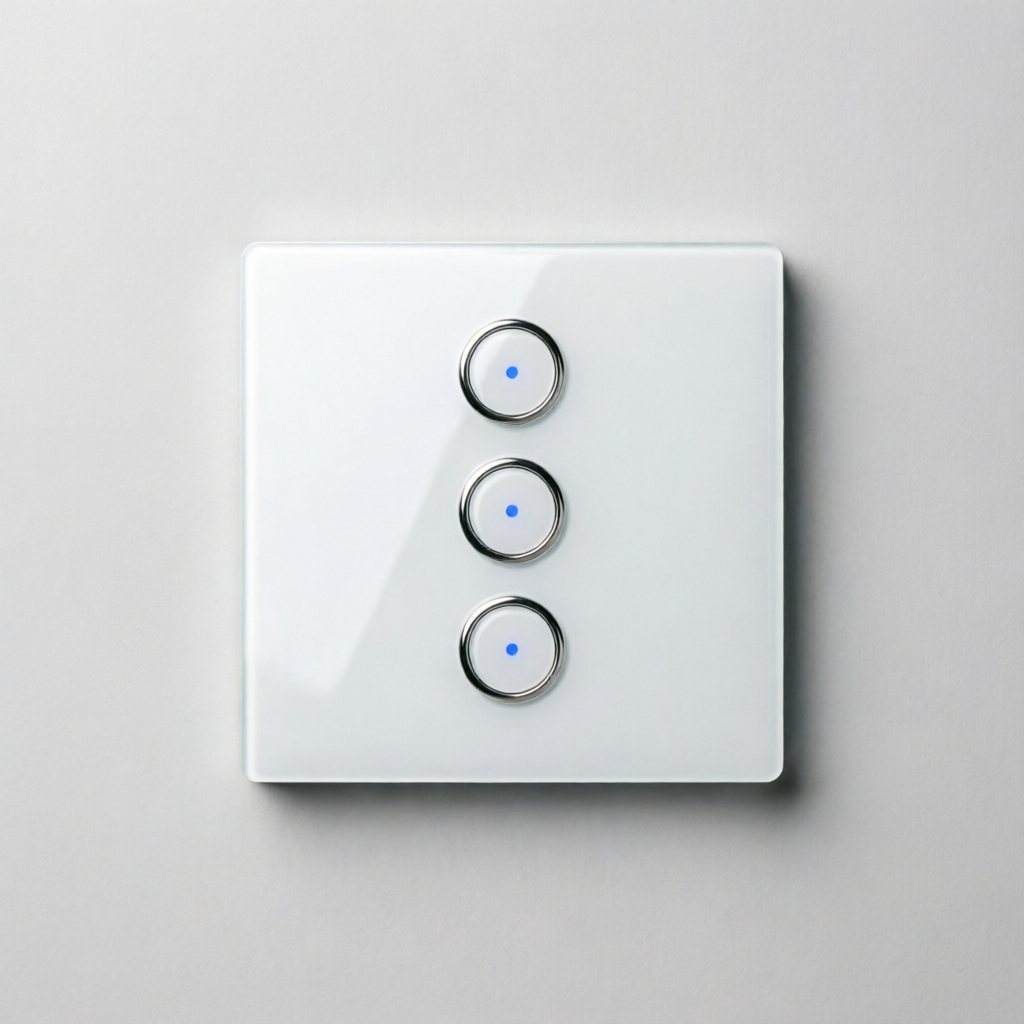
A capacitive touch switch has no physical switch inside — it detects the tiny change in electrical capacitance that a fingertip causes when it approaches a conductive layer under the glass. That sounds simple, but the sensitivity tuning behind it is exactly where quality diverges between a well-engineered touch panel and one that misfires in the field. For buyers writing an RFQ, this article covers what actually varies factory to factory and what to ask about.
How the sensing layer works
- Sensing electrode: A transparent or printed conductive pad sits directly behind the glass or acrylic face, one per touch zone.
- Controller IC: Measures capacitance change at each electrode and triggers an action when it crosses a calibrated threshold — this threshold is the single biggest lever for false-touch behaviour.
- Debounce and gesture logic: Firmware filters brief noise spikes (a fly landing on the glass, a static discharge) from an intentional press, and on multi-zone panels, distinguishes tap from long-press for dimming or scene actions.
What determines whether it feels "right"
Two touch switches with identical-looking glass fronts can feel completely different in use. The variables that matter: electrode size and placement relative to the printed icon (a common defect is icons that don't line up with the actual sensitive zone), controller sampling rate (affects how "instant" the response feels), and the calibration threshold set at the factory — too sensitive and the panel triggers on nearby humidity or a hand hovering nearby; too conservative and users have to press firmly, which defeats the point of a touch interface.
Environmental factors that break capacitive sensing
| Condition | Effect on capacitive touch | Mitigation to ask about |
|---|---|---|
| Condensation / high humidity | Can trigger false touches or reduce sensitivity | Ask for the factory's humidity tolerance spec, not just an IP number |
| Wet fingers / gloves | Reduced or inconsistent response | Relevant for bathroom or outdoor-adjacent installs — see our IP rating guide |
| Thick glass or added film overlay | Attenuates the capacitance signal — may need controller recalibration | Confirm glass thickness matches the controller's tuned spec, especially on OEM face swaps |
| Nearby metal wall box / grounding | Can shift baseline capacitance and cause drift | Ask whether the controller re-calibrates baseline periodically |
Questions worth putting in the RFQ
Ask the factory directly: what is the rated humidity range for stable operation, does the controller include automatic baseline recalibration, and what happens on a stuck-high fault (does it fail safe to "off" or "on")? Also confirm whether the touch zones are individually addressable in firmware — this matters for OEM buyers who want custom icon layouts, since moving an icon without moving the underlying electrode produces a switch that looks right but responds in the wrong spot. For a broader comparison of touch against the mechanical alternative, see our piece on touch vs rocker switches, for the face material itself, our tempered glass vs PC panel comparison, and for the sourcing view per material, our dedicated capacitive touch materials page.
Where this fits into a bigger sourcing decision
Touch sensing quality is largely invisible in a spec sheet and a product photo — it only shows up in use, which is why buyer feedback loops (returns, review comments, field reports) matter more for touch SKUs than for most other switch components. If you are sourcing at volume, requesting a small pre-shipment sample batch to test in your actual target humidity and wall-box conditions is a reasonable ask before committing to a full production run; our trading desk can help route that sample request through the product catalogue to the right factory.
Want a touch-sensitivity sample before full production?
Ask for a pre-shipment sample in your RFQ and our trading desk will confirm timelines and terms with the factory directly.
Start RFQWhat to Test on Touch Samples Before Approving Mass Production
Touch quality differences hide until you test deliberately. On your samples, check response with a dry fingertip, a slightly damp one and through a thin film of glass cleaner — real households produce all three. Press at the corners of each touch zone, not just the center; marginal zones are where tuning shortcuts show. Watch the backlight behavior in a dark room: uneven glow across a multi-gang plate is immediately visible once installed and is a common sample-stage rejection reason.
Also test what happens when touch fails, because eventually it does. A well-designed panel keeps the relay click audible and offers a physical override or recovery sequence; a poorly designed one leaves the homeowner with a dark glass rectangle and a support call to you. Ask the factory how touch calibration is verified in production — a line-level functional test per unit is the answer you want, and the absence of one is a finding worth more than any datasheet claim. Put both tests in writing when you order samples so the factory knows what your approval depends on.
Touch technology will keep improving — finer gesture support, better ambient adaptation, higher contrast at lower power — but the buying fundamentals stay constant: verified touch behavior on real samples, production-level calibration you can ask about, and a failure behavior you have tested yourself. Specify those three in every touch-panel RFQ and the technology race becomes your supplier problem rather than your support burden, which is exactly where it belongs.