A capacitive panel has no moving switch — it senses the tiny change in capacitance a fingertip causes behind the glass. Sensing quality is invisible in a photo, so this page covers what actually varies factory to factory.
Identical-looking glass fronts can feel completely different in use. The difference sits in these three parts, not in the glass.
A conductive pad sits behind the glass for every touch zone. Electrode size and placement must line up with the printed icon — the commonest hidden defect is an icon over a zone that responds in the wrong spot.
The IC measures capacitance at each electrode and triggers when it crosses a calibrated threshold. That threshold is the single biggest lever: too sensitive and the panel fires on humidity or a hovering hand; too firm and the touchless promise is gone.
Debounce filters noise spikes from intentional presses, and on multi-zone plates distinguishes tap from long-press for dimming and scene actions. Baseline recalibration keeps response steady as conditions drift.
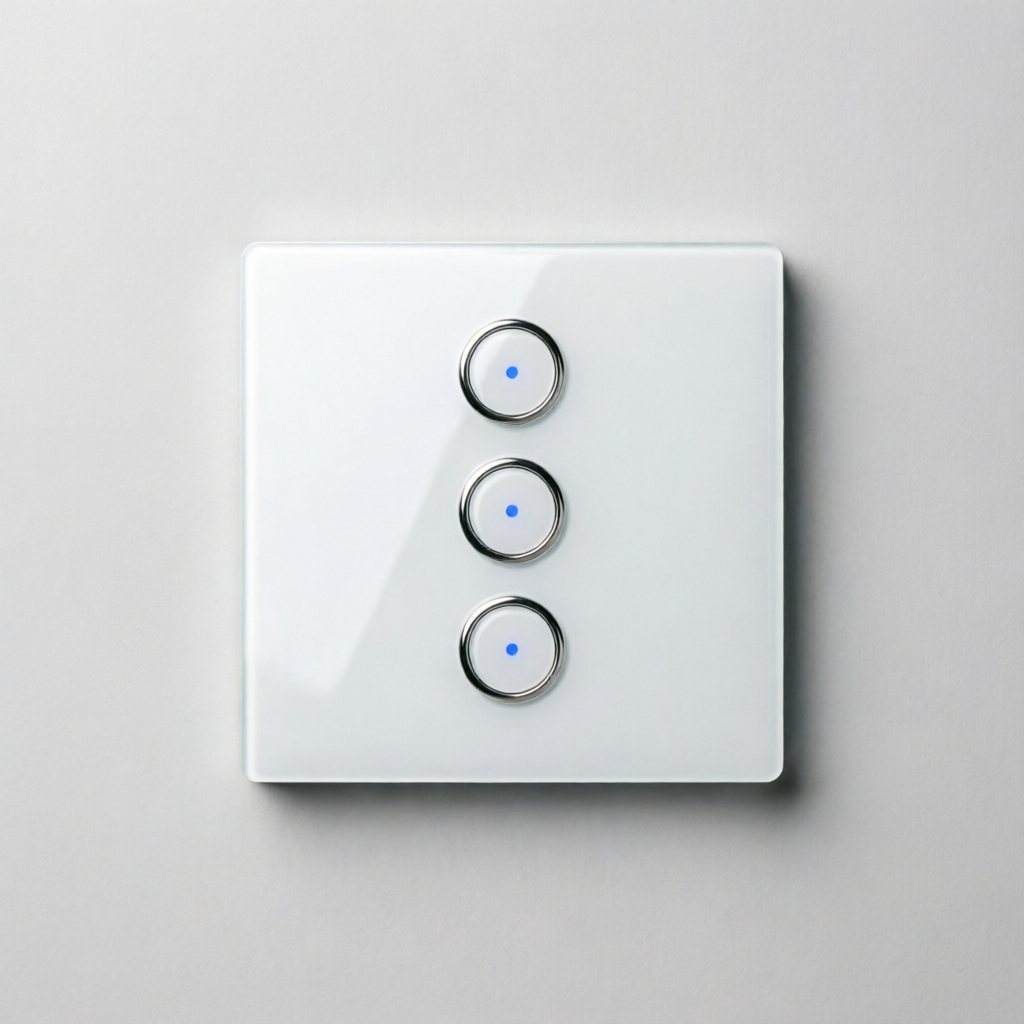
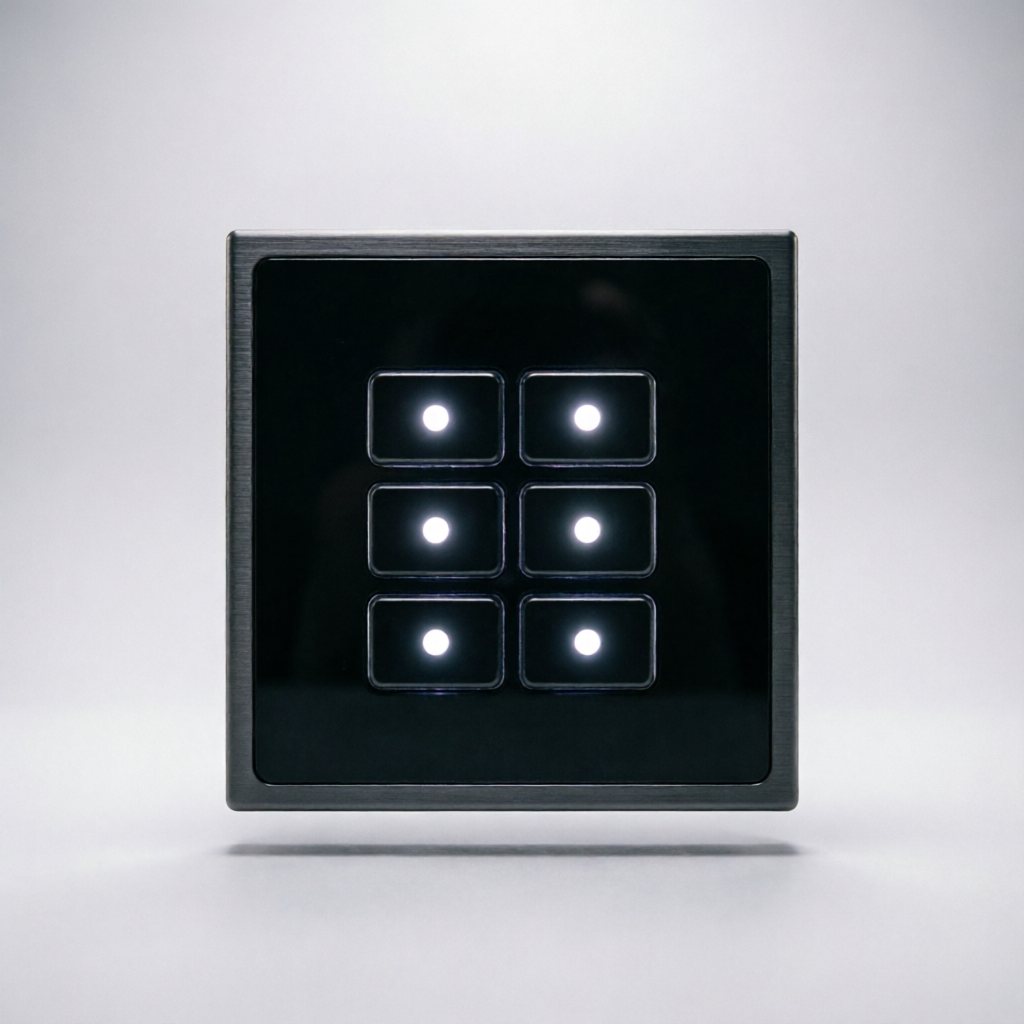
| Dimension | Capacitive glass | RFQ implication |
|---|---|---|
| Structure | Glass face + sensing layer + controller, no moving parts | Face material and sensing type are engineered together — confirm as a pair |
| Feel | Seamless surface, no travel; "instant" response depends on sampling and tuning | Describe the press behaviour you expect; test it on samples, not in a datasheet |
| Durability | Glass surface resists wear; sensing stability depends on calibration and environment | Ask for the rated humidity range and whether baseline recalibration is automatic |
| Icons printed behind glass must align to the electrodes under them | Lock artwork and icon layout before mass print; see the glass panel page | |
| Cost | Higher — glass plus touch electronics over a mechanical plate | Price against the tier it serves: touch lines sell where the finish is seen |
More depth: capacitive touch panels explained, and what changes when the face is not glass in tempered glass vs PC faces.
These are the conditions that generate most touch-switch field complaints — and each has an RFQ question attached.
| Condition | Effect on touch behaviour | What to ask the factory |
|---|---|---|
| Wet fingers / steam | A water film can bridge neighbouring zones or cause false triggers | Rated humidity range for stable operation — not just an IP number |
| Gloves | Glove material attenuates the signal; thin gloves usually still register, thick insulating gloves may not | Confirm the tuned response for your market's real wearing scenario |
| Condensation | Can trigger false touches or reduce sensitivity until it clears | Behaviour on condensation clearing, and any stuck-high fail-safe |
| Thick glass or added overlay | Attenuates the capacitance signal and may need recalibration | Confirm the controller is tuned for the glass thickness actually ordered |
| Metal wall box / grounding | Shifts baseline capacitance and can cause drift | Whether the controller recalibrates its baseline periodically |
Touch behaviour only shows up in use, so the factory's process — not the brochure — is the assurance.
The answer you want to "how is calibration verified" is a functional test on every unit at end of line. Its absence is a finding worth more than any datasheet claim.
Approve on behaviour, not appearance: response at zone corners, backlight uniformity in a dark room, and behaviour in your target humidity. Uneven glow across a multi-gang plate is a common rejection reason once installed.
Eventually a unit fails — ask what the user experiences. A well-designed panel keeps the relay click audible and offers a recovery path; a poor one leaves a dark glass rectangle and a support call to you.
Guest rooms, lobbies and living areas where the seamless glass look carries the tier. Touch pairs naturally with tempered glass faces and scene logic — pair this page with the glass panel page when specifying the pair.
Heavy-glove environments, steam-adjacent installs and the lowest cost tiers are weaker fits — either the sensing needs confirming for the scenario, or a mechanical plate serves better. For those segments, the PC & acrylic page is the realistic starting point.
Gloves attenuate the capacitance signal. Thin gloves usually still register; thicker insulating gloves can reduce or block response. State the wearing scenario in the RFQ so the factory confirms the tuned behaviour instead of assuming bare fingers.
A water film can bridge neighbouring zones or trigger false touches, and heavy condensation can reduce sensitivity until it clears. Ask for the rated humidity range for stable operation rather than relying on an ingress rating alone — and test a damp fingertip on your sample batch.
Baseline capacitance can shift with the wall box, temperature and humidity. Controllers with periodic automatic baseline recalibration hold response steadier, so it is worth asking whether the module does this before committing a volume order.
The answer you want is a line-level functional test on every unit. On samples, also press every zone at its corners and check backlight uniformity in a dark room. Put both checks in writing when ordering samples so approval criteria are explicit.