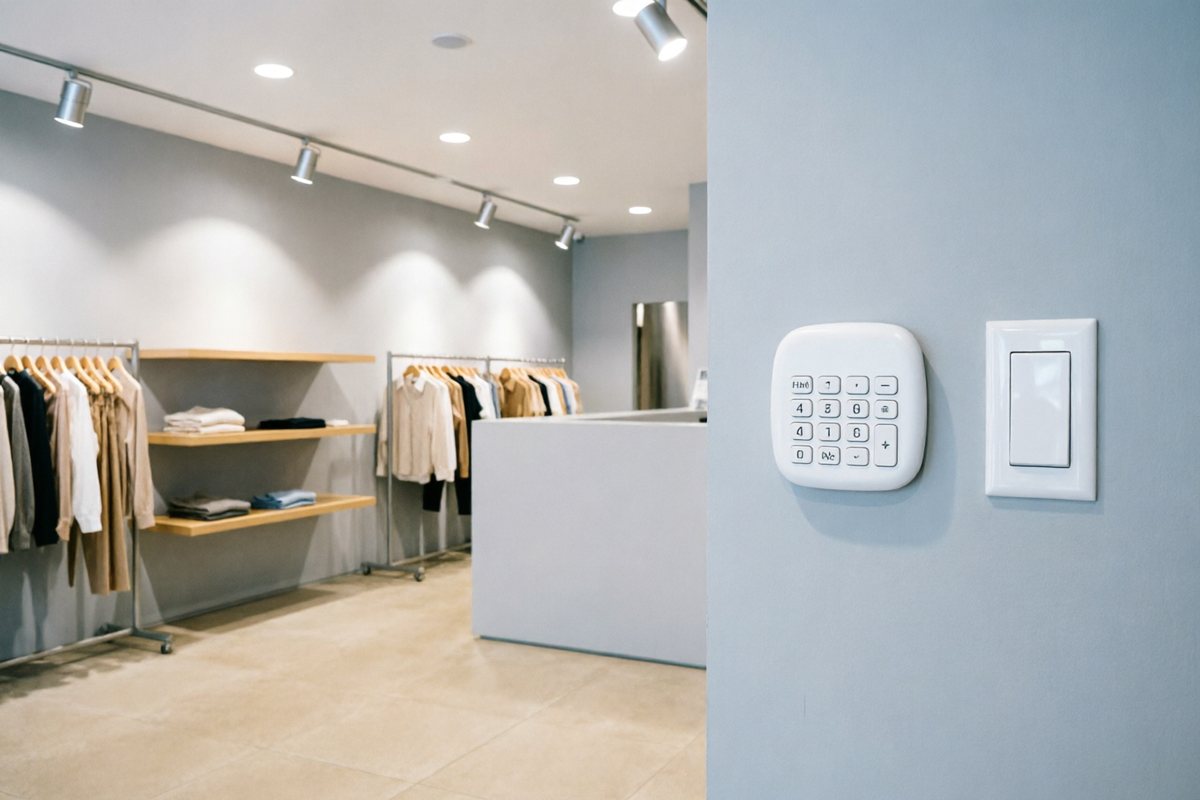
Retail lighting control has a narrower job than a home installation: open the store on schedule, switch window and sale lighting on and off without a manager standing there, and keep the panel simple enough that a part-time staff member never gets it wrong at closing. This brief is for buyers speccing switches for a single storefront or a small chain, where the requirement is repeatable operation across shifts and locations rather than a rich consumer feature set.
What retail actually needs from a "smart" switch
Three use cases cover most retail requests: a schedule that turns storefront and window lighting on before opening and off after closing without staff intervention; a one-touch "sale event" or "window display" scene that swaps a lighting layout for a promotion; and remote visibility for an owner or regional manager to confirm a location opened and closed on time. None of this requires the richer scene layering used in hospitality — it is closer to a small, reliable rule set than a full smart-home build.
Staff-proof physical control matters more than app features
A retail switch is operated by whoever is on shift, not by the person who configured it. That means the physical control at the wall has to work exactly like a normal switch even when the network is down, the app account was never set up on a new hire's phone, or the schedule needs a one-off override for a late opening. Favor panels with clear physical paddles or buttons over designs that push every action into an app; the automation should run in the background, and staff should rarely need to think about it.
- Do specify: local override always works without app or network; schedule survives a power cut; simple factory reset for staff turnover.
- Avoid specifying: app-only control with no physical fallback; single global account shared across all staff with no role separation.
Retrofit wiring in existing storefronts
Most retail retrofits happen inside a lease term, without rewiring the unit. Existing storefronts frequently lack a neutral wire at the switch box, especially older strip-mall and high-street units — check this before quoting a batch, and see our neutral vs no-neutral guide for what changes in the module spec when neutral is absent. Confirming wiring type per location before ordering avoids a mixed batch that needs two different install procedures across a chain.
Multi-location consistency for chains and franchises
A franchise or multi-location retailer buying at scale should treat "scene templates" as a brand asset, not a per-store setting. If every location configures its own opening/closing schedule independently, a regional audit becomes a location-by-location investigation instead of a single dashboard check. Push for one app account structure and one scene naming convention across the chain, confirmed in the RFQ rather than left to each store manager's on-site preference.
| Requirement | Single storefront | Multi-location chain |
|---|---|---|
| Scheduling | Local, simple | Centralized, same template every store |
| App account model | Owner account | Role-based: HQ admin + store-level view |
| Protocol | Wi‑Fi, no hub needed | Wi‑Fi default; confirm if any location has a hub already |
| Spare parts | Buy as needed | Standard SKU across all stores, kept in stock |
Energy and reporting angle
Some retail buyers ask about switches that report run-time or power draw for basic energy tracking across a portfolio of stores. This is a reasonable ask, but confirm exactly which SKUs in a proposed range include metering — not every module in a catalogue does, and it should be called out in the BOM rather than assumed. For broader protocol and certification background relevant to a multi-country retail rollout, see our protocols overview and certifications page.
What to put in the RFQ
State: number of locations and whether they share a brand standard; existing wiring type per location (or a sample audit if unknown); protocol default and any exceptions; whether metering/reporting is required; and app account/role structure. A clear RFQ on these points is what lets a supplier quote one consistent package instead of guessing at store-by-store variation.
Seasonal and promotional lighting scenes
Beyond the daily open/close schedule, most retailers eventually ask for a way to swap window and accent lighting for a seasonal campaign or a sale event without an electrician revisiting the store. A scene panel with a small number of presets — "standard," "sale event," "window feature" — set up once during installation and reused by staff on demand, covers this without requiring anyone on-site to understand automation rules. Avoid over-engineering this: a retailer running a two-week promotion wants a button to press, not a schedule to configure.
Security and after-hours visibility
A secondary but common request is tying lighting to a basic after-hours check: confirming from a phone that a store's lights actually turned off on schedule, or getting an alert if a circuit stayed on unexpectedly late. This overlaps with, but is distinct from, a dedicated security or alarm system — the switch platform can provide lighting status visibility, but should not be sold or specified as a substitute for an actual security system. Keep the two systems and their responsibilities clearly separated in the RFQ so expectations on both sides are realistic.
Handover to store staff
Whatever is installed, plan for a short, repeatable handover: one page showing which physical switch does what, how to trigger the promotional scene, and who to call if a schedule needs a one-off override. Retail staff turnover is frequent, and a system that depends on tribal knowledge from the original installer tends to degrade into staff defaulting back to manual toggling within a few months.
Rolling out lighting control across multiple stores?
Send your store count, wiring notes and account structure — our trading desk will confirm one consistent package across all locations.
Start RFQ