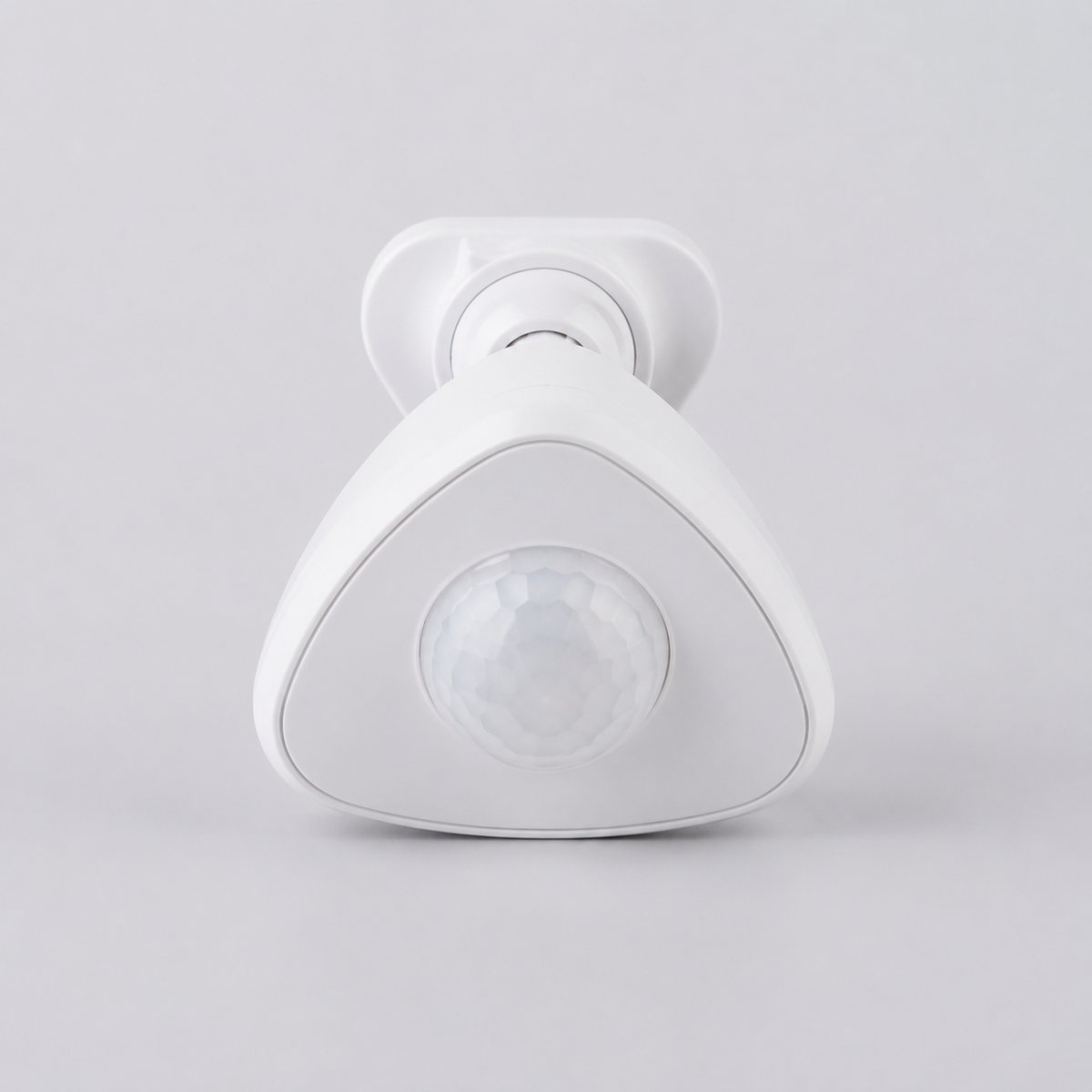
A PIR (passive infrared) sensor paired with a smart wall switch is one of the simplest automations a buyer can add to a package, and one of the most frequently misquoted, because the sensor and the switch are usually two separate SKUs from two supply chains that have to be specified together. This article covers how the pairing actually functions, where the automation earns its place in a package, and what a buyer should confirm before adding a PIR line to an RFQ.
How PIR-driven occupancy lighting actually works
A battery-powered PIR sensor detects motion and reports occupancy events over its radio — typically Zigbee — either directly to a switch (if the switch has a receiving radio and pairing capability) or, more commonly, through a gateway that then triggers a scene on one or more switches. This means the automation almost always depends on the gateway being present and correctly paired, not just on the sensor and switch existing in the same room. A pure Wi‑Fi switch generally cannot receive a PIR sensor's signal directly; PIR automation is one of the clearer cases where a hub-free Wi‑Fi package runs into a real functional limit, not just a philosophical one — see our comparison in Wi‑Fi vs Zigbee wall switches.
Where occupancy automation earns its place
- Corridors and common areas. High-traffic, low-occupancy-duration spaces (hotel corridors, stairwells, office hallways) are the clearest case for PIR-driven lighting — occupancy is intermittent and predictable, and the energy savings are real. See our hospitality market snapshot for how this shows up in hotel procurement.
- Back-of-house and utility spaces. Storage rooms, plant rooms and loading areas rarely justify a manual switch habit; PIR automation removes the "lights left on" failure mode entirely.
- Restrooms and transitional spaces. Common in commercial and hospitality specs for the same reason — short, intermittent occupancy.
Occupied living spaces (bedrooms, offices where someone sits still for long periods) are a weaker fit — PIR sensors detect motion, not stillness, and a person reading or working at a desk can trigger a false "vacant" reading if the detection window is not tuned correctly. This is a specification detail worth raising with the factory rather than assuming it is handled by default firmware.
Protocol and pairing considerations
Zigbee is the typical radio for battery PIR sensors because of its low power draw relative to Wi‑Fi, which matters for a sensor expected to run for an extended period on battery. This ties PIR automation to the same gateway-dependency discussion covered in our Protocols page: a buyer adding PIR sensors to a Wi‑Fi-based package should expect to add a gateway to the BOM, not assume the existing Wi‑Fi switches can receive the sensor signal.
Common spec mistakes buyers make
The two recurring mistakes we see: assuming a PIR sensor works with any switch regardless of protocol (it does not — confirm gateway compatibility first), and assuming detection range and angle are identical across sensor SKUs (they are not — ask the factory for the specific detection cone and range for the SKU in question rather than a generic marketing figure). Battery life is a related detail to confirm per SKU rather than assume from a similar-looking product.
Building a sensor-inclusive RFQ
Specify room type and occupancy pattern (transitional vs occupied), whether a gateway already exists or needs to be quoted, and the switch protocol it needs to pair with. This pairs naturally with our related pieces on door and window sensors and temperature and humidity sensors if the same package includes multiple sensor types.
Adding occupancy sensing to a switch package?
Tell us the room types and existing gateway status in your RFQ; our trading desk will confirm pairing and battery-life specifics with the factory.
Start RFQTuning Occupancy Behavior for Real Occupants
Occupancy automation fails socially before it fails technically. Lights that switch off while someone reads motionlessly, or switch on because a corridor sensor glimpsed movement through a doorway, teach occupants to distrust the system — and distrust ends with overrides that defeat the automation. The specification answers are unglamorous but decisive: timeout lengths matched to the room's use, sensitivity zones that exclude doorways and windows, and an easily-found manual override that always wins. Each is a parameter, and each belongs in the RFQ rather than in the installer's judgment on site.
Two placement notes round out the specification. Passive infrared sees motion; it does not see stillness — rooms where people sit for long periods want the timeout generous or a dual-technology sensor, and the honest specification says which rooms are which. And walkways differ from workspaces: a corridor wants short timeout and full brightness, a library wants long timeout and partial levels. Suppliers can propose parameter sets per room type if the room list is in the RFQ; the desk consolidating switches and sensors together will have tuned these before, which is one of the quieter advantages of buying the automation package as one order.
A commissioning checklist item finishes the specification: after installation, walk every automated room once at the times it is used — the evening office, the midnight corridor, the weekend gym — and tune the timeouts against observed behavior before the occupants form their complaints. The walkthrough takes a day per building and converts the automation from something installed into something commissioned. Suppliers can pre-fill the checklist per room type; the desk consolidating the package will have the template, because the buildings that commission properly are the buildings that reorder.