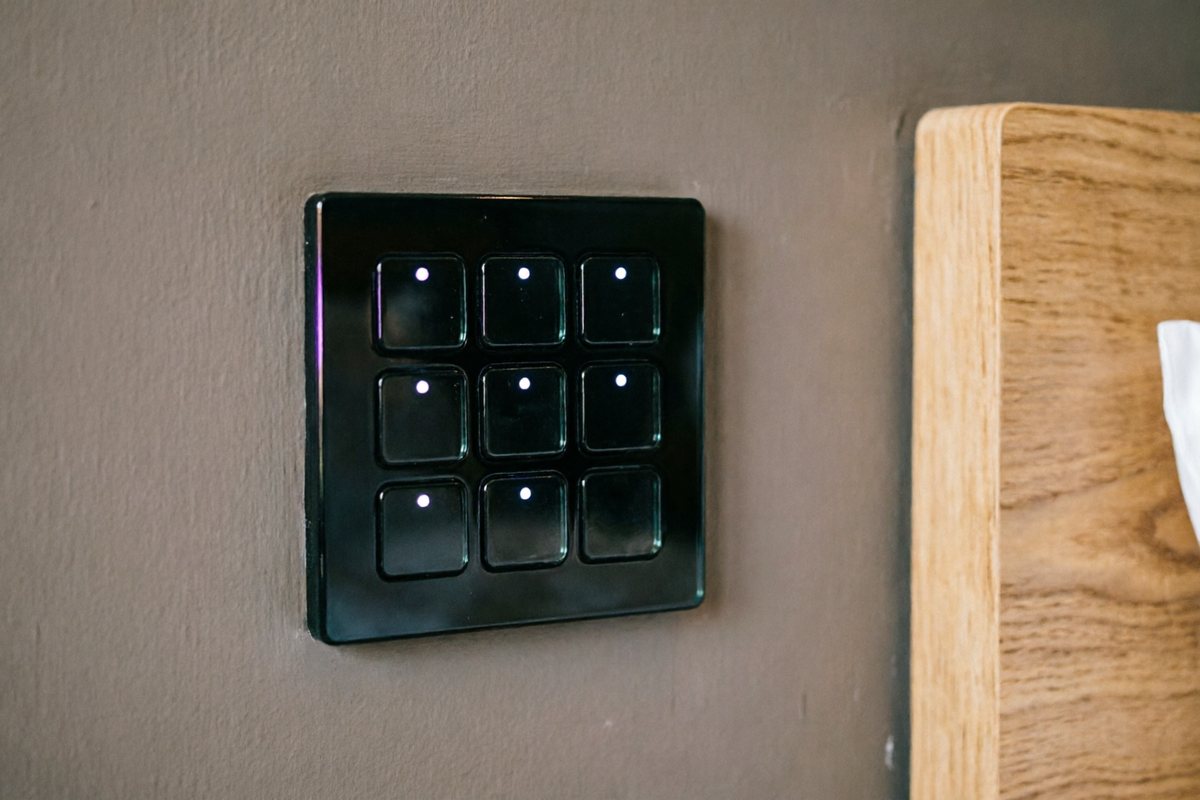
Every hotel guest room needs a way to signal "leave me alone" and "please clean now" without opening the door. The traditional answer is a plastic door hanger. The modern answer is a scene button on the bedside or entry panel that lights a corridor indicator, logs the state change, and — on integrated properties — updates the housekeeping dashboard in real time. For hospitality buyers writing a room-panel RFQ, DND/MUR logic is one of the most consequential lines in the spec, because it touches three separate systems: the panel itself, the corridor signage, and (optionally) the property management system.
What the panel actually needs to do
- Provide two clearly labeled, illuminated buttons (or a toggle) for DND and Make Up Room, mutually exclusive — pressing one should release the other.
- Drive a corridor-facing indicator (usually a small illuminated icon set into the door frame or an adjacent wall unit) so housekeeping can see room status without knocking.
- Hold state through a power blip — a guest should not find DND silently cancelled after a brief outage.
- Optionally report the state change to a central system (PMS or a hotel-specific gateway) so housekeeping routing updates automatically instead of relying on a physical walk-by.
Two ways to wire the corridor indicator
The corridor-facing light can be driven two ways. The simplest is a direct low-voltage link between the bedside panel and a corridor unit on the same circuit — cheap, reliable, no network dependency, but limited to that one room-to-corridor path and invisible to any dashboard. The more capable approach puts the panel on the same mesh or Wi‑Fi network as the rest of the room's smart devices, so the state change is both a direct signal to the corridor light and a data point the property's automation layer can log and report. Which one a project needs depends on whether the property wants housekeeping analytics (average clean time, DND override rates) or just the physical signal — a smaller independent hotel may only need the latter, while a branded chain rolling up data across properties usually wants the former. This is the same protocol decision covered in general terms on the Protocols page, applied specifically to the DND/MUR circuit.
Make Up Room and staff workflow
Make Up Room is often treated as the DND button's twin, but it carries different operational weight: it is a request that should generate a task, not just a light. On integrated deployments, pressing Make Up Room can push a ticket to a housekeeping app so staff are dispatched without a supervisor manually checking each floor. On simpler deployments it is just the indicator light, and staff still work a fixed room-by-room schedule. Buyers should decide which model applies before specifying hardware, because task-dispatch integration requires the panel (or its gateway) to expose an API or at minimum a reliable state feed — not every panel SKU supports this out of the box.
Guest-side and staff-side failure modes to check
| Failure | Guest-side risk | Staff-side risk |
|---|---|---|
| DND state lost on power blip | Unwanted housekeeping visit during a nap | False "room needs cleaning" ping |
| Corridor indicator lag/miswire | N/A | Housekeeping skips or double-visits rooms |
| No override for extended DND | Safety concern if a guest is unreachable for days | Compliance exposure for the property |
| Button ambiguity (icons only, no local-language text) | Wrong state set by guest | Extra corridor confusion |
The extended-DND override is worth flagging specifically: most jurisdictions and hotel brand standards expect a documented process for staff to check on a room after an extended DND period, and the panel/PMS integration should support a manual override that logs who accessed the room and when, rather than silently bypassing the guest's stated preference.
Multi-language labeling and international guests
DND and Make Up Room are usually represented with icons rather than text precisely because a single panel serves guests from many language backgrounds — a moon icon and a bed-making icon travel across languages better than "Do Not Disturb" printed in one language. Buyers still need to check two things before finalizing a panel SKU: whether the icon set matches the brand's existing signage system (many chains standardize on a specific icon library across properties, and a mismatch looks inconsistent to a returning guest), and whether any accompanying app or in-room tablet interface that mirrors the same controls actually ships with the language set the property needs, which overlaps with the broader question covered in the companion piece on multi-language app support. A property serving a narrow domestic market can usually treat this lightly; an international resort chain should not assume the default icon set and language list cover every market it serves.
What to specify in the RFQ
Confirm: panel protocol (matching the rest of the room's devices, see the companion piece on bedside control panels for hotel rooms), whether a corridor indicator is in scope per door and its wiring type, whether PMS/housekeeping-app integration is required or the light-only version is acceptable, and how DND state should behave across a power interruption. A sample scene-button panel used in these programs is the PL-PN-SC6-WIFI six-scene panel; confirm the specific button labeling and language set for your market in the RFQ rather than assuming a default.
Specifying DND/MUR for a hotel refit or new build?
Tell our trading desk the corridor wiring type already in place and whether PMS integration is required — we will confirm compatible panel and indicator SKUs against your floor plan.
Start RFQ