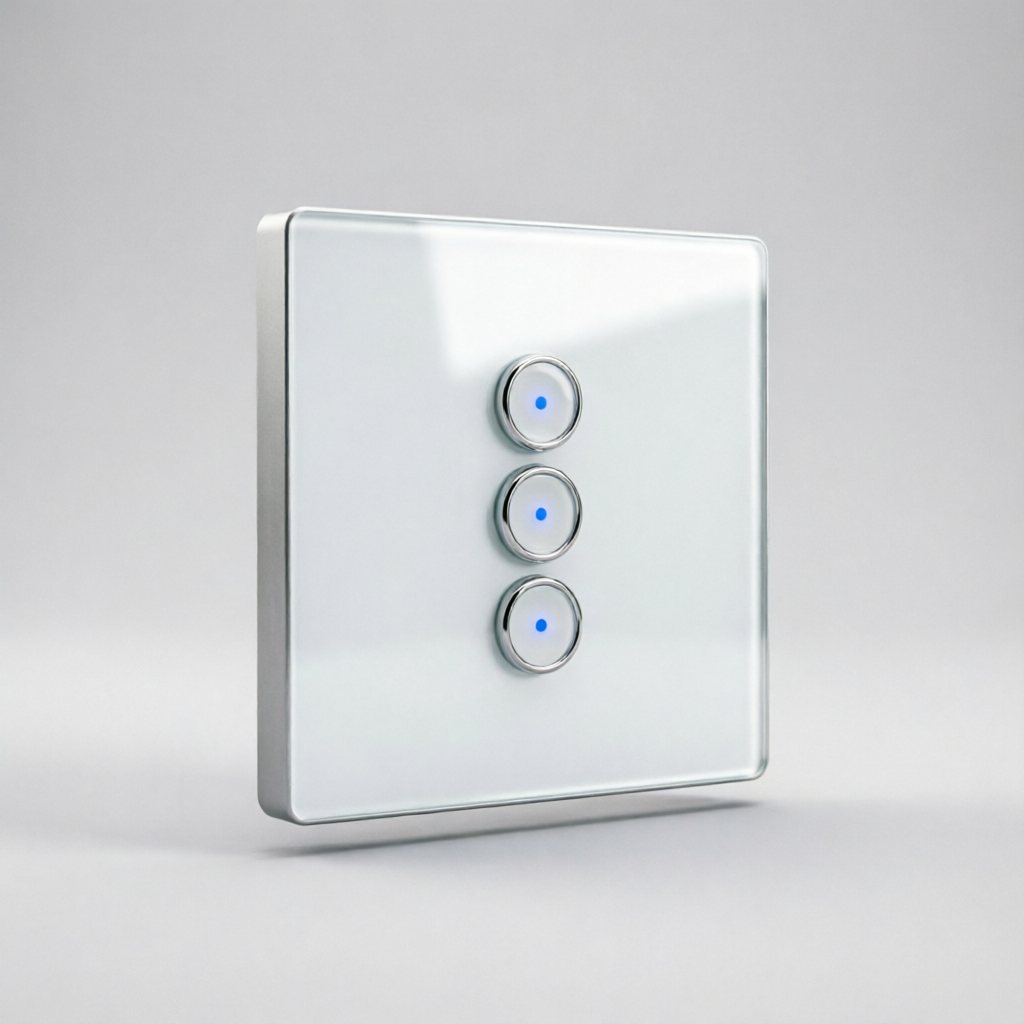
"Can we have our own app?" is one of the first questions private-label buyers ask, and the honest answer is that "own app" covers several very different products with very different cost, timeline and control implications. Getting specific about which level of app branding a programme actually needs — versus which level sounds most impressive in a pitch deck — is worth doing before it becomes a line item in an OEM quote.
Level 1: public app, renamed and re-skinned
The switch pairs to a public app such as Smart Life under the module's default ecosystem, but the app icon, splash screen and color scheme are adjusted to reflect the buyer's brand within what the platform allows. This is the fastest and lowest-cost option, usually available even at modest OEM quantities, and it does not change the underlying radio or firmware behaviour at all.
Level 2: white-label app skin under the buyer's own listing
A step further, some module/platform ecosystems support a genuinely separate app store listing — the buyer's own app name, icon and account system, built on the same underlying platform infrastructure as the public app. Device pairing and core functions still ride on the same backend, but the customer-facing experience looks and feels fully owned by the brand. This typically requires a higher MOQ commitment and a longer setup cycle than Level 1, and account/data policy questions should be clarified with the platform, not assumed.
Level 3: fully private, independently hosted app
A completely independent app with its own backend and no visible tie to any public ecosystem is possible but represents a substantially larger undertaking — real software development cost, a longer buildout, and ongoing engineering responsibility for updates, security and device compatibility that the buyer (or a contracted developer) now owns, not the switch factory. This level makes sense for brands with real software budget and long-term volume, not as a first-order add-on.
What does not change no matter which app level you choose
- The radio hardware and protocol (Wi‑Fi/Zigbee) inside the switch — app branding is a software layer on top, not a hardware change.
- Certification scope tied to the hardware — a rebranded app does not require a new hardware cert, but any physical module change would.
- Pairing reliability, which is a function of the module and firmware, not the app skin.
Comparing the three levels
| Level | What changes | Typical MOQ / cost signal |
|---|---|---|
| Renamed public app | Icon, splash, color only | Low — often available at standard OEM MOQ |
| White-label app skin | Own app store listing, same backend | Higher MOQ, setup lead time |
| Fully private app | Independent backend and ownership | Significant NRE, ongoing dev cost |
What to state in the RFQ
Name the level you actually want using the terms above rather than "custom app" alone, and ask the factory to confirm which ecosystem (e.g. Tuya-class) the module supports, since app branding options are bounded by the underlying platform. If a private-label brand is the longer-term goal, see building a private label brand for how app decisions fit into the wider brand build, and pair app branding with logo and packaging customization so the physical product and the app match. General customization process is covered on the OEM / ODM page.
Not sure which app level fits your volume?
Tell us your target quantity and ecosystem preference — our trading desk will confirm what is realistic before you commit to a level.
Start RFQThree Levels of App Branding, Compared
App branding arrives in three tiers, and knowing which you are buying prevents most of the disappointment. Tier one is inventory-based branding: your logo and company name appear inside a standard platform app. It is fast and inexpensive but the app store listing, icon and onboarding remain the platform's. Tier two is a white-label app build — your name, your icon, your store listing, on shared cloud infrastructure. This is the level most private-label buyers actually want, and it carries an app development or licensing cost plus ongoing cloud service terms worth reading.
Tier three is a fully independent app with your own cloud account structure. It offers the most control and the most responsibility: you inherit update cadence, privacy compliance for your markets, and the support burden when an operating system revision lands. Most distributors are correctly served by tier two with a clear exit path toward tier three if the brand grows. Ask which tier each quotation line assumes — the price gap between tiers is real, and so is the gap in what your customers will experience on day one.
Before signing any app tier, ask for a demonstration account on an existing customer build. Using a branded app that ships today — pairing a device, sharing access, updating firmware — shows you the tier reality in fifteen minutes: where the branding appears, where it does not, and what the onboarding actually feels like. The demonstration converts a quotation line into an experience decision, and it is the single fastest way to align your brand plan with what the tier delivers.
Plan the app store presence with the same care as the build. The listing copy, the preview screenshots, the support contact and the review-response voice are all part of the brand your customers meet before they ever pair a device, and they are yours to write in either tier. Sellers who treat the store listing as marketing rather than formality collect better reviews, and better reviews carry the listing further than any paid placement — the app presence is a product surface, and budgeting it as one is the difference between an installed brand and a maintained one.