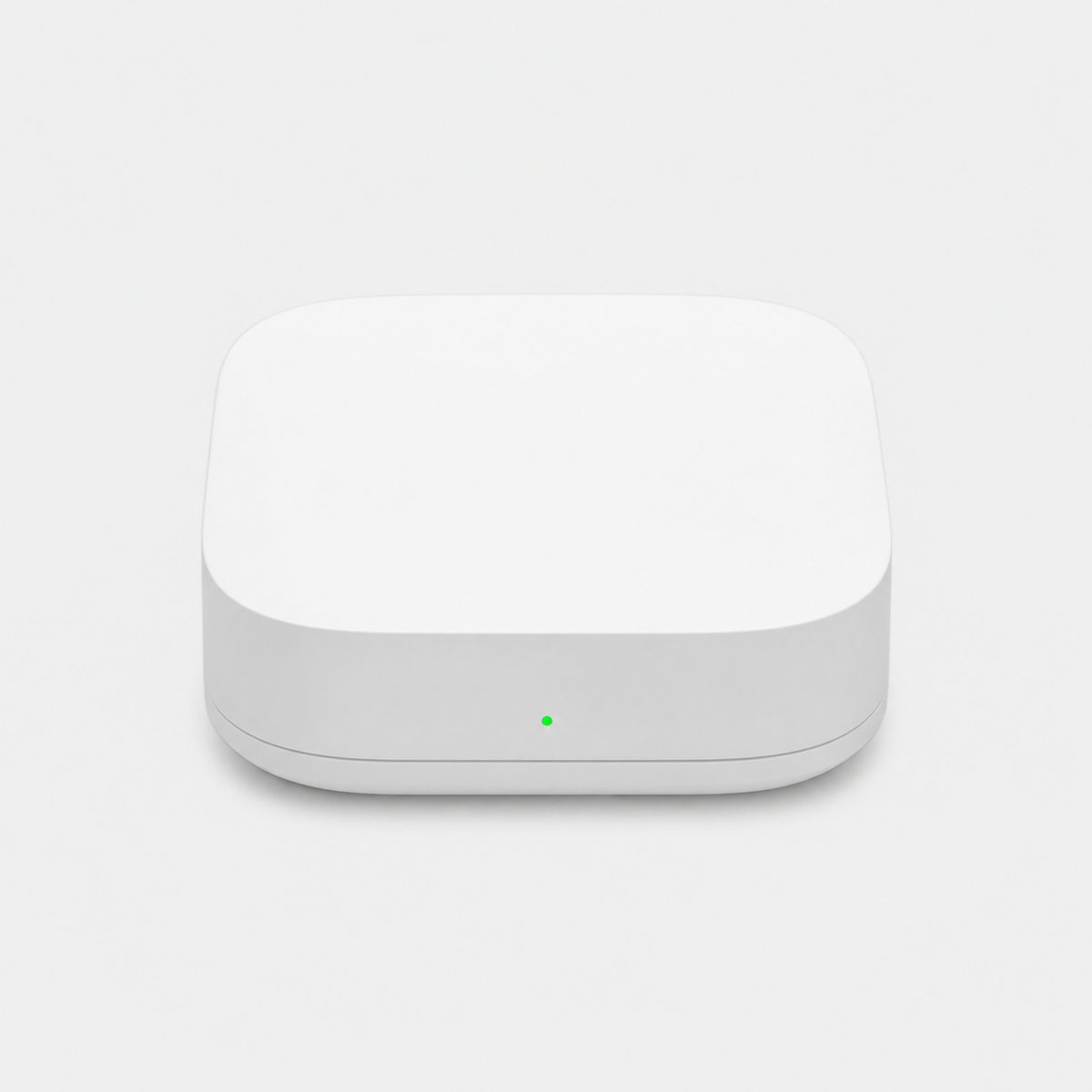
Before choosing a specific radio protocol, most smart switch RFQs actually need to answer a simpler upstream question: is a gateway acceptable in this install at all? Hub-free (typically Wi‑Fi) and hub-based (typically Zigbee, Z-Wave, or bridged Matter) switches solve overlapping problems in different ways, and getting this decision wrong early tends to cascade into every later choice — app selection, device density planning, and after-sales training. This guide separates the gateway question from the radio-protocol question so buyers can answer them in the right order.
Why this is a separate question from "Wi‑Fi or Zigbee"
It is tempting to treat "gateway or no gateway" as identical to "Zigbee or Wi‑Fi," but they are not strictly the same decision. Most Wi‑Fi wall switches are hub-free by design, and most Zigbee switches require a hub — but Matter bridging, Z-Wave and some project-bus systems complicate the mapping, and a buyer's actual constraint (installer skill, IT policy, after-sales team size) often points to an answer before the radio protocol is even discussed. Deciding gateway tolerance first narrows the protocol conversation rather than the other way around.
Case for hub-free
- No gateway SKU to quote, stock, or explain to an installer — lower total BOM complexity for small orders.
- Faster path to a working install for buyers with no in-house smart-home support team.
- Default choice for short-let/Airbnb-style operators and residential resale packs, per our protocols page scenario matrix.
- Cloud dependency and 2.4 GHz coverage become the main risks — see our Wi‑Fi vs Zigbee comparison for the detail.
Case for hub-based
- Better mesh reliability in multi-device rooms and sensor-heavy packs — hotels, offices with many sensors per floor.
- Lower radio load on the buyer's or tenant's own router, since devices talk to the local hub rather than each device holding its own Wi‑Fi connection.
- Often the only practical path to bridging into Matter today, since Zigbee-to-Matter bridges are more mature in the market than fully native Matter switch hardware — see our Matter explainer.
- Requires installer discipline around pairing and hub placement, and a support plan for what happens if the hub fails or is unplugged.
| Constraint | Lean hub-free | Lean hub-based |
|---|---|---|
| Buyer refuses hub hardware entirely | Default | Hard sell |
| Many devices per room (5+) | Risk of congestion/reliability issues | Often better |
| No in-house smart-home support team | Simpler for installers | Needs pairing discipline documented |
| IT policy forbids consumer cloud accounts | Conflicts (most Wi‑Fi is cloud-based) | Still needs evaluation — hub often cloud-linked too |
| Matter bridging is a near-term requirement | Needs native Matter Wi‑Fi confirmation | Gateway bridge path is more commonly available today |
Total cost of ownership beyond the gateway unit price
The gateway line item on a quote is only part of the real cost difference between hub-free and hub-based paths. A hub-based install adds an ongoing dependency: if the gateway fails, is unplugged, or loses power, every device behind it goes offline even though each individual switch is otherwise fine — which becomes a support call regardless of whether the switch itself has a defect. Buyers should weigh gateway placement (a closet, a utility room, somewhere accessible for replacement) and redundancy planning for larger installs, not just the unit price of the gateway itself, when comparing total cost against a hub-free alternative.
Installer training is a real cost, not a footnote
Hub-based systems require installers to understand pairing sequences, channel planning to avoid interference between nearby installs, and basic troubleshooting when a device drops off the mesh — skills that a hub-free Wi‑Fi install generally does not demand to the same degree. For a buyer working with a rotating pool of subcontracted installers rather than a fixed in-house team, this training overhead is a real, recurring cost that should factor into the hub-free-versus-hub-based decision alongside the more visible hardware cost difference. Factories and trading desks can supply pairing documentation, but the on-site training time itself is the buyer's or SI's responsibility to plan for.
The mixed-ecosystem trap
A recurring RFQ pattern is a buyer who wants "Wi‑Fi switches, no hub" in living rooms and bedrooms but also wants "Zigbee sensors" for security or occupancy detection — which requires a hub regardless of what the switches use. Mixing is workable (state both explicitly in one RFQ, as our Wi‑Fi vs Zigbee article covers), but it means the "no hub" preference was never really absolute — it applies to switches only. Clarify this distinction early rather than discovering it after a gateway line item shows up unexpectedly in a quote.
What to write in the RFQ
- Is a gateway acceptable at all — per room, per floor, per building, or not at all?
- Device count and type per room (switches only, or switches plus sensors/curtain modules that may force a hub regardless of the switch choice)?
- Who will pair and configure the hub on-site — factory-provided guide, or the buyer's own SI team?
- Is Matter bridging a near-term requirement that would push toward a hub-based path even if the buyer initially preferred hub-free?
- What happens operationally if the hub goes offline — is that an acceptable risk for this install type (e.g. a hotel floor vs a single apartment)?
Not sure which lean fits your install?
Send us your room-by-room device list and hub tolerance and our trading desk will map it to the right protocol and gateway combination.
Start RFQ