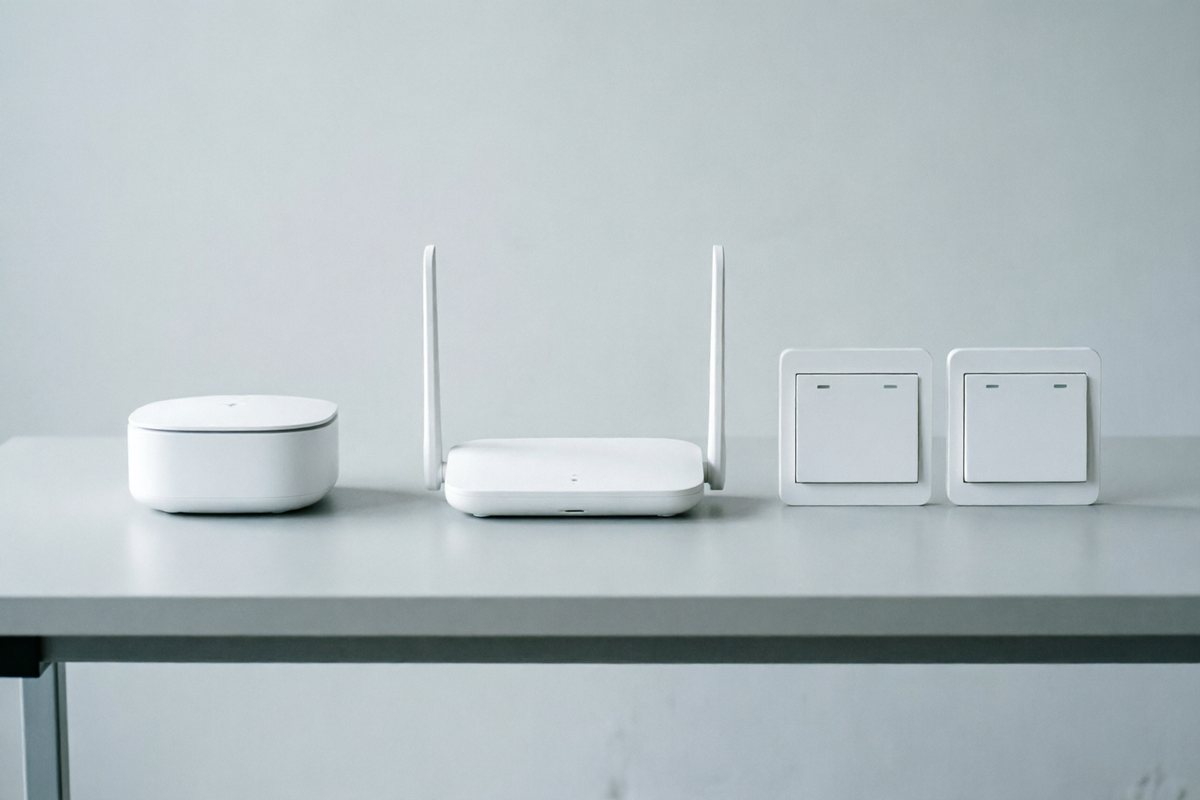
Both Bluetooth Mesh and Zigbee are mesh networks built to let a scene panel talk to dozens of switches, sensors and modules without every device needing its own Wi‑Fi connection. They are not interchangeable, and the difference rarely shows up in a datasheet — it shows up on-site, when an installer discovers there is no gateway budgeted, or when a battery sensor drains faster than the spec sheet implied. This is written for the RFQ stage, where the protocol choice still costs nothing to change.
Bluetooth Mesh — phone-first, hub-optional
- Pros: Provisioning typically happens straight from a phone app over Bluetooth Low Energy, so small jobs can go live without a dedicated gateway SKU; strong fit for single-apartment or single-room retrofit packs where the installer wants to walk in, pair, and walk out.
- Cons: Larger mesh networks still benefit from a bridge/gateway node for cloud access and remote scenes; message relay behaviour and mesh depth need to be tested at the density you intend to sell into, not assumed from a small demo.
- Typical use: Bedside and small scene panels paired directly to a small number of switches in one room.
Zigbee — mature mesh, coordinator required
- Pros: A long-established mesh architecture with strong multi-hop relay behaviour, which is why it remains common in sensor-heavy rooms (door, PIR, temperature/humidity) alongside switches; broad chip and module choice; lower per-device radio load on the household Wi‑Fi router since traffic stays on its own band.
- Cons: A coordinator/gateway must be in the BOM — for example a sample PL-GW-ZB-MTR style bridge; pairing discipline for installers on large floors; some ecosystem lock-in risk depending on the app brand chosen.
- Market signal: Zigbee now has more than 3,500 certified products, ahead of Matter's device count, and Zigbee 4.0 — which adds sub-GHz and SUZI (Smart Utility Zigbee Interface) support — is scheduled for release in the second half of 2026, extending the standard's reach into utility and long-range use cases.
Side-by-side for a panel programme
| Factor | Bluetooth Mesh | Zigbee |
|---|---|---|
| Gateway required | Optional for small jobs | Effectively mandatory |
| Provisioning | Phone app, fast for installers | App plus coordinator pairing step |
| Best density | Single room / apartment | Multi-room, multi-sensor floors |
| Sensor ecosystem depth | Growing | Very broad (3,500+ certified products) |
| Cloud/remote access | Needs a bridge for full remote control | Needs a bridge for full remote control |
Battery life and mesh depth in real installs
Both protocols are designed to be low-power relative to Wi‑Fi, which is why they dominate the battery-sensor category (door contacts, PIR, temperature/humidity) that often ships alongside a scene panel. The practical difference shows up in mesh depth: Zigbee's longer track record in commercial deployments means its relay behaviour across many hops — sensor to sensor to coordinator across a large floor — is better documented and more predictable at scale. Bluetooth Mesh's relay model works well within a room or a small cluster of rooms, but installers report more variability once a mesh has to relay a message through several intermediate nodes to reach a bridge on a large floor. Neither of these is a fixed law of physics — both depend heavily on device placement and how many relay-capable nodes are on the mesh — but it is a reason buyers should ask for a reference installation of comparable density rather than relying on a lab demo with five devices in one room.
Provisioning time as an installer cost, not just a spec line
On multi-unit jobs — an apartment block, a hotel floor — the time an installer spends pairing each device is a real labour cost that rarely appears on a switch's spec sheet. Bluetooth Mesh's phone-first provisioning generally shaves time off this step for small unit counts, since there is no coordinator to configure first. Zigbee's pairing step is not necessarily slower per device once the coordinator is set up, but that one-time coordinator setup, plus the discipline of keeping the network key and channel consistent across a large job, is an added step that Bluetooth Mesh's smaller jobs do not need. Buyers scoping a large multi-unit rollout should ask suppliers for an estimated per-device pairing time based on their own installer experience rather than assuming either protocol is inherently faster at every scale.
Where each protocol actually wins on-site
Bluetooth Mesh tends to win where the buyer explicitly refuses to add a hub SKU to a small residential pack and the room count per site is low — the installer cost of a five-minute phone pairing beats the BOM cost of a gateway. Zigbee tends to win once a project mixes switches with multiple battery sensors per room, or once a hotel or office floor needs centralised scene control across dozens of rooms, because its mesh relay and sensor ecosystem are simply deeper. Neither protocol solves cloud/remote access on its own — both still want a bridge if the buyer's spec includes "control the panel from outside the building."
What to write in the RFQ
State the protocol, whether a gateway is in or out of scope, the app brand you intend to launch under, and the device density per room and per floor. If the project also needs a voice-assistant path or a future Matter bridge, say so up front — both protocols can sit behind a Matter bridge, but the bridge itself needs to be quoted as a separate line. See the Protocols page for the full comparison across Wi‑Fi, Zigbee, Bluetooth Mesh and Matter, and the Solutions page for how sensor-heavy room kits are typically packaged.
Mixing switches and sensors in one order?
Our trading desk can quote a mixed Bluetooth Mesh or Zigbee BOM in one shipment — state the protocol and density in your RFQ.
Start RFQ