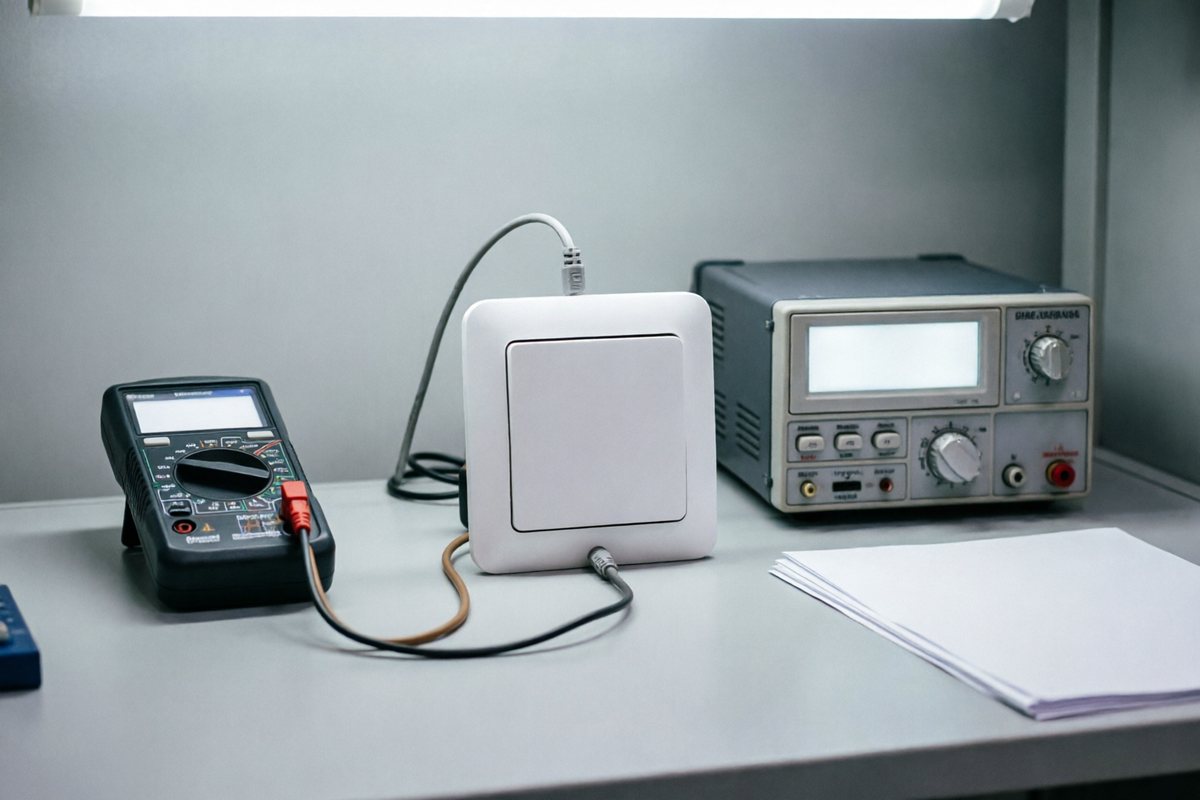
A smart wall switch that passes final visual inspection can still fail within its first month in the field — usually because a weak solder joint, a marginal component or a firmware edge case only reveals itself under sustained power and cycling. Aging and burn-in testing exists to pull that failure window forward from the customer's install to the factory floor, before the unit is boxed. For B2B buyers, understanding what this testing actually covers — and asking for it explicitly — is one of the cheapest ways to cut early-life RMA rates on a resale or project programme.
What "burn-in" actually means
Burn-in is a period of continuous or cycled power-on operation, run on finished units before packing, intended to expose infant-mortality failures: components that are functional at time zero but fail within the first tens to hundreds of hours (a classic reliability engineering pattern known as the "bathtub curve"). For a smart switch this typically means the relay is cycled on and off repeatedly under load or simulated load, the Wi‑Fi/Zigbee radio stays connected and reporting, and the touch or mechanical actuation is exercised, all while the unit sits in an oven or ambient test rack for an extended run.
What aging testing adds on top
Aging testing pushes the same idea further — running units at elevated temperature and/or humidity for longer stretches to accelerate the equivalent of months of field use into days of test time. This is where marginal capacitor tolerances, plastic housing warpage, or touch-panel adhesive weakening tend to surface. It will not replace the accredited environmental test reports required for certification (temperature/humidity chambers used for compliance testing are a separate, formal process — see our certifications page), but it is a factory-floor quality gate that runs on every batch, not just on a certification sample.
| Test stage | What it exercises | What it catches |
|---|---|---|
| Power-on burn-in | Continuous power, relay cycling | Weak solder joints, marginal relays, early PCB defects |
| Radio soak | Wi‑Fi/Zigbee connection held over time | Module dropouts, pairing instability, firmware crashes |
| Mechanical/touch cycling | Repeated actuation of button or capacitive touch | Contact wear, touch-sensor drift |
| Elevated temperature aging | Extended run at raised ambient | Component tolerance drift, housing/adhesive issues |
Why this matters more for smart switches than dumb ones
A mechanical switch with no electronics has relatively few failure modes beyond the contact itself. A smart switch adds a radio module, a microcontroller, firmware, and often a touch sensor or capacitive panel — each an additional point where a marginal unit can pass a five-second functional test on the line and still fail after a week of real cycling. This is also why batch consistency matters: a burn-in process run on 100% of units, even briefly, catches a different class of defect than a sampling-based final inspection alone.
How long is long enough
There is no single industry-wide duration that applies to every product and every factory, and buyers should be cautious of a factory that quotes a specific universal number without tying it to their own product's failure history. In general, longer burn-in catches a wider window of infant-mortality failures but adds cost and lead time, so factories tend to calibrate duration against their own historical failure-rate data for a given product line rather than a fixed external standard. This is exactly why asking for recent batch failure-rate data (see the RFQ questions below) is more informative than asking for a duration figure in isolation — a short burn-in with a low tracked failure rate can be more reassuring than a long one with no data behind it.
Batch-level consistency vs one-time qualification
New product qualification testing — the more thorough environmental and endurance testing done once when a product is first developed — is a different exercise from the routine burn-in run on every production batch afterward. A factory can have excellent qualification test results on the original sample and still ship a batch six months later with a higher failure rate, if a component substitution, a new PCB assembly line, or a supplier change introduced a defect that only routine burn-in would catch. Buyers running recurring orders with the same factory should ask whether burn-in is applied consistently to every batch or only to the first production run, since this is where quality can quietly drift over a multi-year sourcing relationship.
What to ask a factory before ordering
- Is burn-in run on 100% of units or a sample percentage, and for how long?
- Does the burn-in include radio connectivity soak, or only power/relay cycling?
- What is the recorded failure rate from burn-in on the last few production runs, if the factory tracks it?
- Is aging testing (elevated temperature/humidity) part of the routine process or only run for new product qualification?
- Can a third-party inspection be scheduled to witness burn-in on a specific batch, if the order size justifies it?
None of these are numbers PanelLink fixes centrally — burn-in duration and failure-rate thresholds vary by factory and by product line, so confirm the specifics in your RFQ and we will pull the relevant factory's test protocol for the SKU you are sourcing.
Where this fits in the broader quality picture
Burn-in and aging testing sit alongside — not instead of — the design-side checks covered in our companion piece on fire-safe materials and design checks. A good material and circuit design reduces the number of units that fail burn-in in the first place; burn-in then catches the ones that slip through anyway. Buyers evaluating a new factory relationship should ask about both together, not treat them as separate line items.
Want a factory's burn-in protocol before you commit to a batch?
Tell us the SKU and order volume and our trading desk will request the factory's current burn-in and failure-rate data for that line.
Start RFQ