"Compatible" is doing a lot of work in a smart switch listing. A device can be electrically compatible with a wall box, protocol-compatible with a hub, and still be functionally incompatible with the buyer's app ecosystem, region firmware, or install base. For a distributor, the cost of that gap is not a warning label — it is a pallet of returns three months after the container lands. This guide walks through where compatibility actually breaks and what to lock down in the RFQ before it does.
Where compatibility breaks down first
Four layers have to line up at once, and a mismatch in any one of them is enough to sink an order: the wireless protocol (Wi‑Fi, Zigbee, or a Matter-certified path), the control app or ecosystem the end customer expects (a Tuya-class app, Alexa, Google Home, or a property's own branded app), the electrical wiring standard at the install site (neutral vs no-neutral, single-live vs multi-gang), and the firmware region lock some brands apply for regulatory or cloud-server reasons. Sales teams often confirm only the first layer and assume the rest will sort itself out on-site. It usually does not.
The failure patterns that show up most often
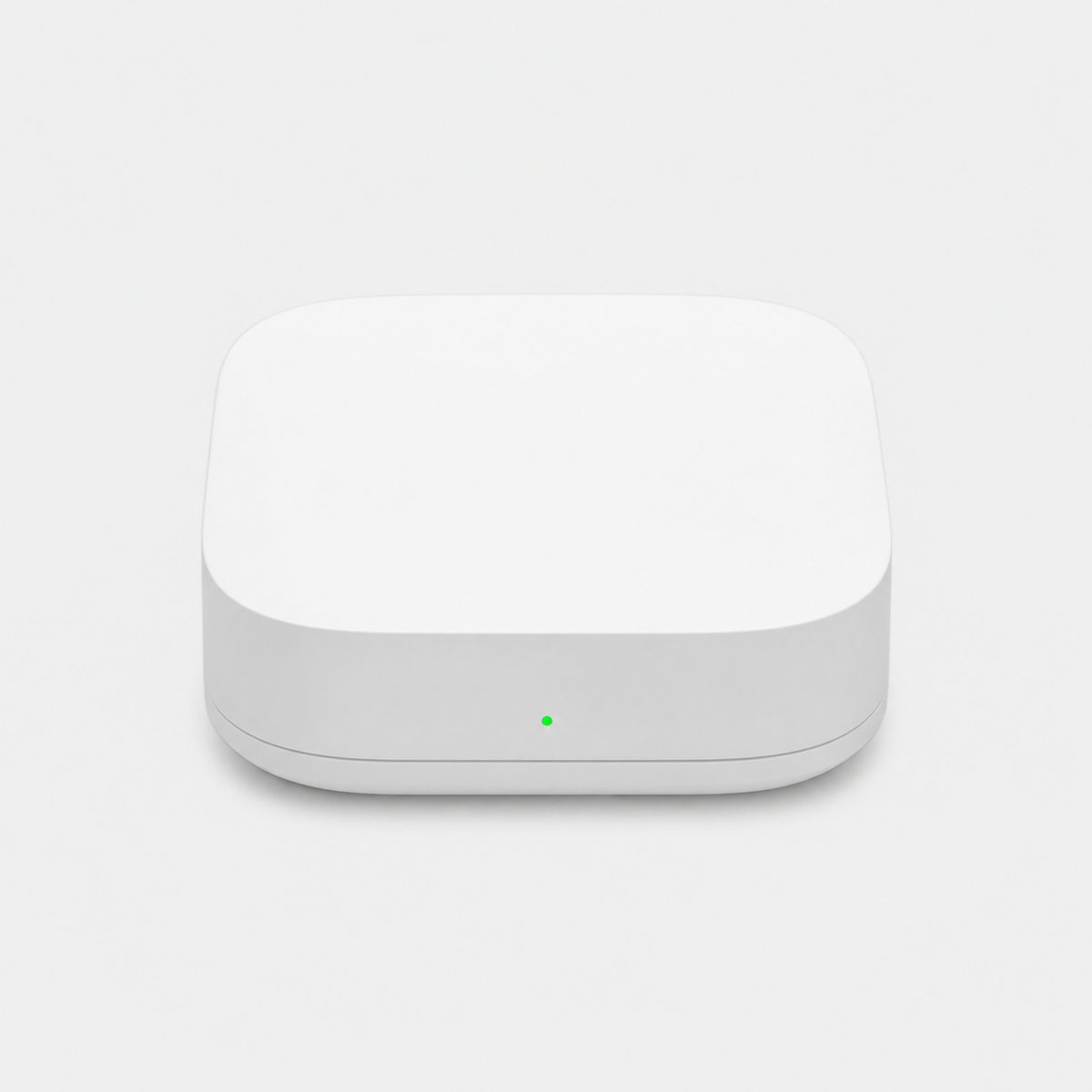
- Hub-less buyer, Zigbee spec. A buyer orders a Zigbee switch line because a sample worked well, then discovers every unit needs a gateway the property was never budgeted for. The gateway cost and the extra pairing step are invisible until the installer is standing in the room with no bridge on hand.
- App fragmentation. Two shipments from different production runs pair to two different app builds, splitting the property's device list and confusing installers. Support staff then have to ask which app version a resident is running before they can even begin troubleshooting.
- Voltage or frequency mismatch. A module rated for one region's grid is installed in a market with a different standard voltage or frequency, producing intermittent faults rather than a clean failure. Because the symptom looks like a random hardware defect, it often takes several returned units before anyone traces it back to the electrical spec.
- Firmware region lock. A switch ships with firmware tied to a cloud server region that does not match the destination market, blocking pairing or OTA updates entirely. This failure mode is particularly frustrating because the hardware itself is functionally fine — the block sits entirely in software the buyer cannot see or fix on-site.
Why this matters more for multi-market distributors
A single-market retailer can absorb one compatibility surprise as a one-off support cost. A distributor selling the same catalogue into several countries at once compounds the risk, because a protocol, app, or firmware assumption that held in one market may not hold in the next. The practical implication is that compatibility should be re-verified per destination market rather than assumed to carry over from a prior successful order, even when the SKU code on the PO looks identical.
A pre-shipment compatibility checklist
| Check | What to confirm | Ask before |
|---|---|---|
| Protocol | Wi‑Fi / Zigbee / Matter-certified module revision | Sample approval |
| App / ecosystem | App brand, account structure, whether white-label is available | PO placement |
| Wiring | Neutral availability at target install base, gang count | Spec sheet sign-off |
| Region firmware | Cloud server region, OTA update policy | Bulk production |
| Electrical rating | Voltage / frequency of destination grid | Bulk production |
Cross-checking against the datasheet
A supplier's datasheet should state the protocol module revision, the app or ecosystem it pairs with, and the electrical input range in the same document — not scattered across a product photo, a separate app-store listing, and a verbal claim from a sales rep. If any of those three fields is missing or vague, treat it as an open question rather than a resolved one. Our Protocols page lays out how Wi‑Fi, Zigbee and Matter differ in practice for exactly this kind of pre-order comparison.
What this means for your RFQ wording
State the protocol, the target app or ecosystem, the wiring standard at the install base, and the destination grid voltage and frequency explicitly in the RFQ — do not leave any of them to be inferred from a sample. If your buyer base spans multiple regions, ask the supplier to confirm whether firmware and cloud-server region are handled per SKU or per batch, and get that confirmation in writing before committing to a production run. A trading desk that has quoted the same SKU into multiple markets will usually flag a mismatch before it becomes a shipment problem — that is a large part of what a sourcing partner is for.
It is also worth asking who is accountable if a mismatch is discovered after the container has shipped rather than before. Some suppliers will treat a documented compatibility miss against the agreed spec sheet as a warranty matter; others will treat it as the buyer's responsibility for not specifying clearly enough. Settling that question during the RFQ stage, rather than during a dispute, is one of the more overlooked steps in a smart switch purchase order.
Not sure if your spec covers every layer?
Send us your target markets and app requirements — our trading desk will confirm compatibility against protocol, wiring and firmware before you commit to a production run.
Start RFQ